
Materialious
Modern material design for YouTube and Invidious.
Modern material design for YouTube and Invidious.
| Platform | Package/Installation Method |
|---|---|
| Windows |

|
| MacOS (x64 & arm64) |

|
| Android |




|
| Android TV | For Android TV use APKUpdater. |
| Flatpak |

|
| AppImage |

|
| Debian/Ubuntu |

Then run: |
| Fedora/OpenSuse |

For Fedora: For OpenSuse: |
| Linux (tarball) |

|
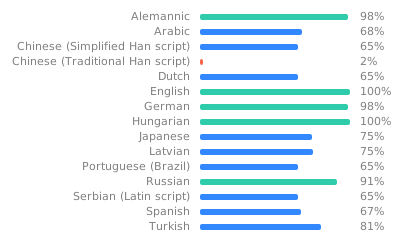 # Previews
## Mobile
# Previews
## Mobile
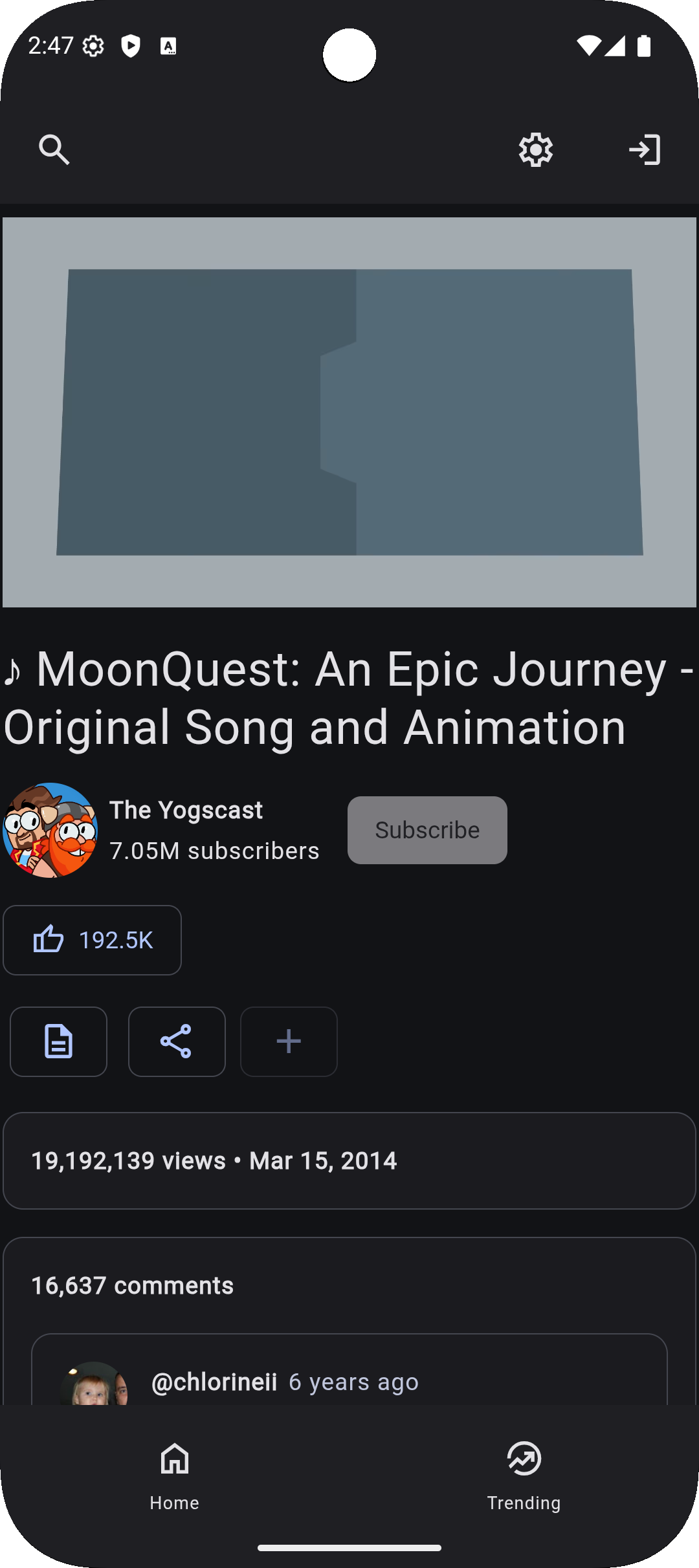 ## Android TV Home
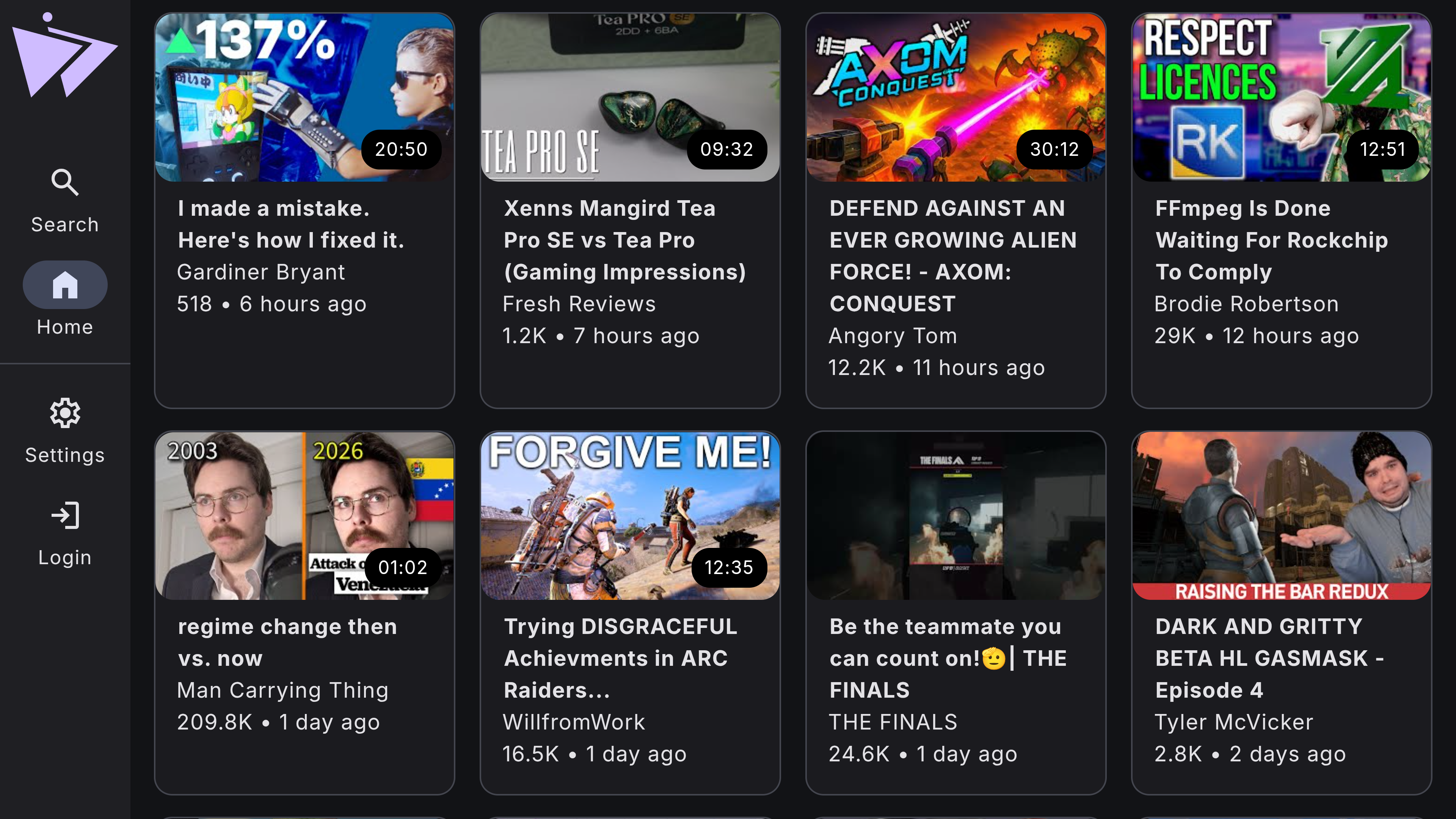
## Android TV Player
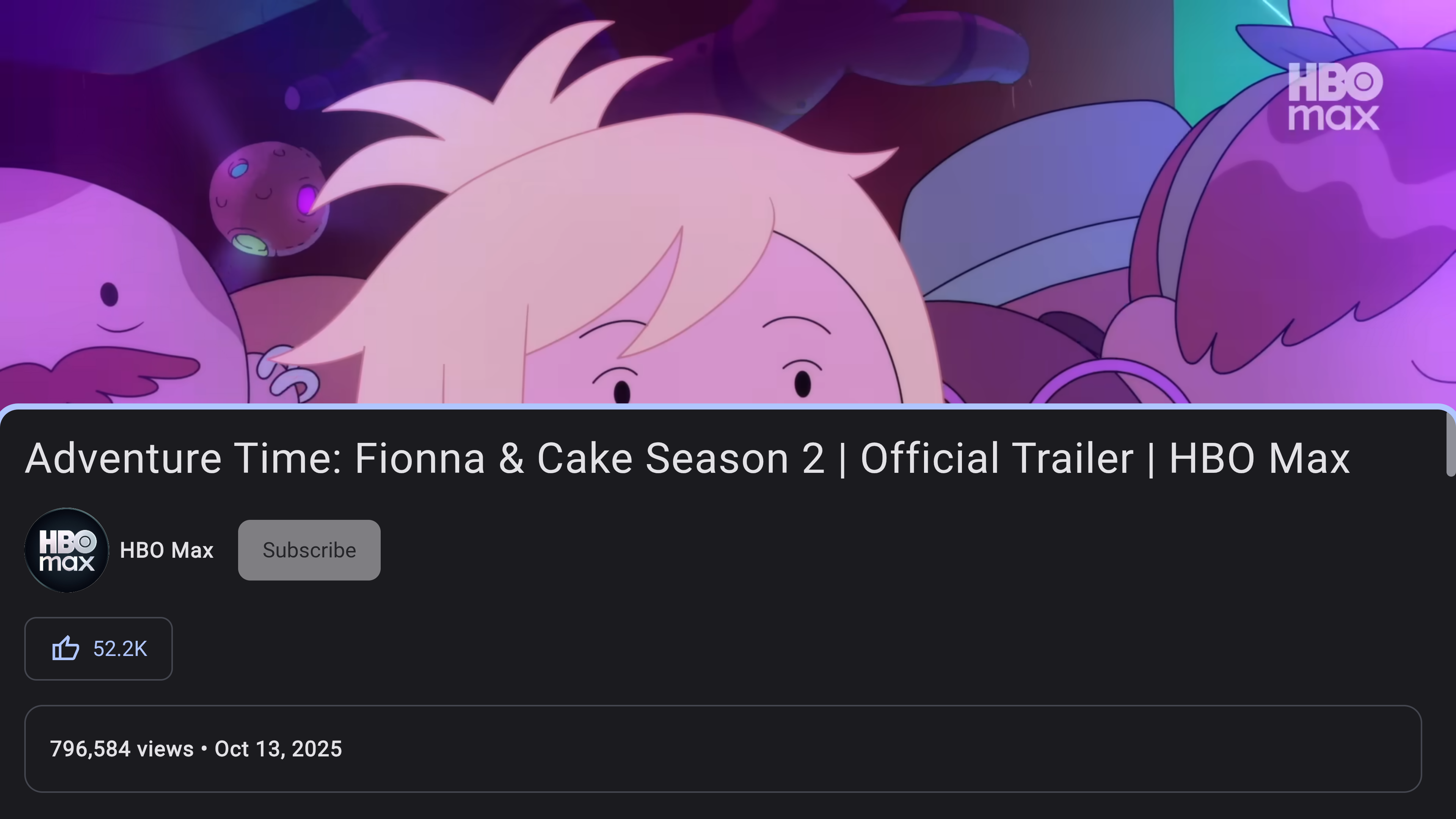
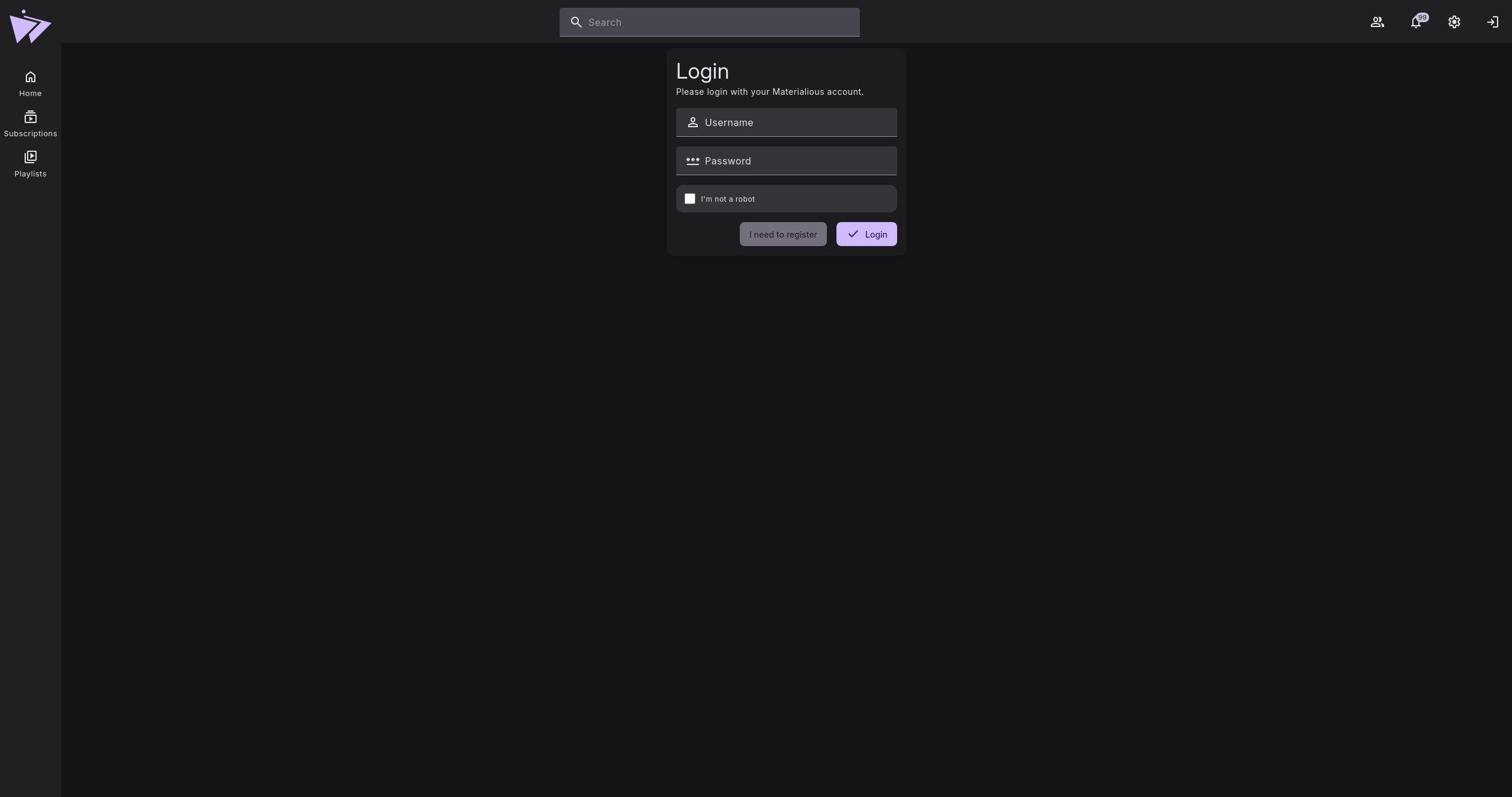
## Login
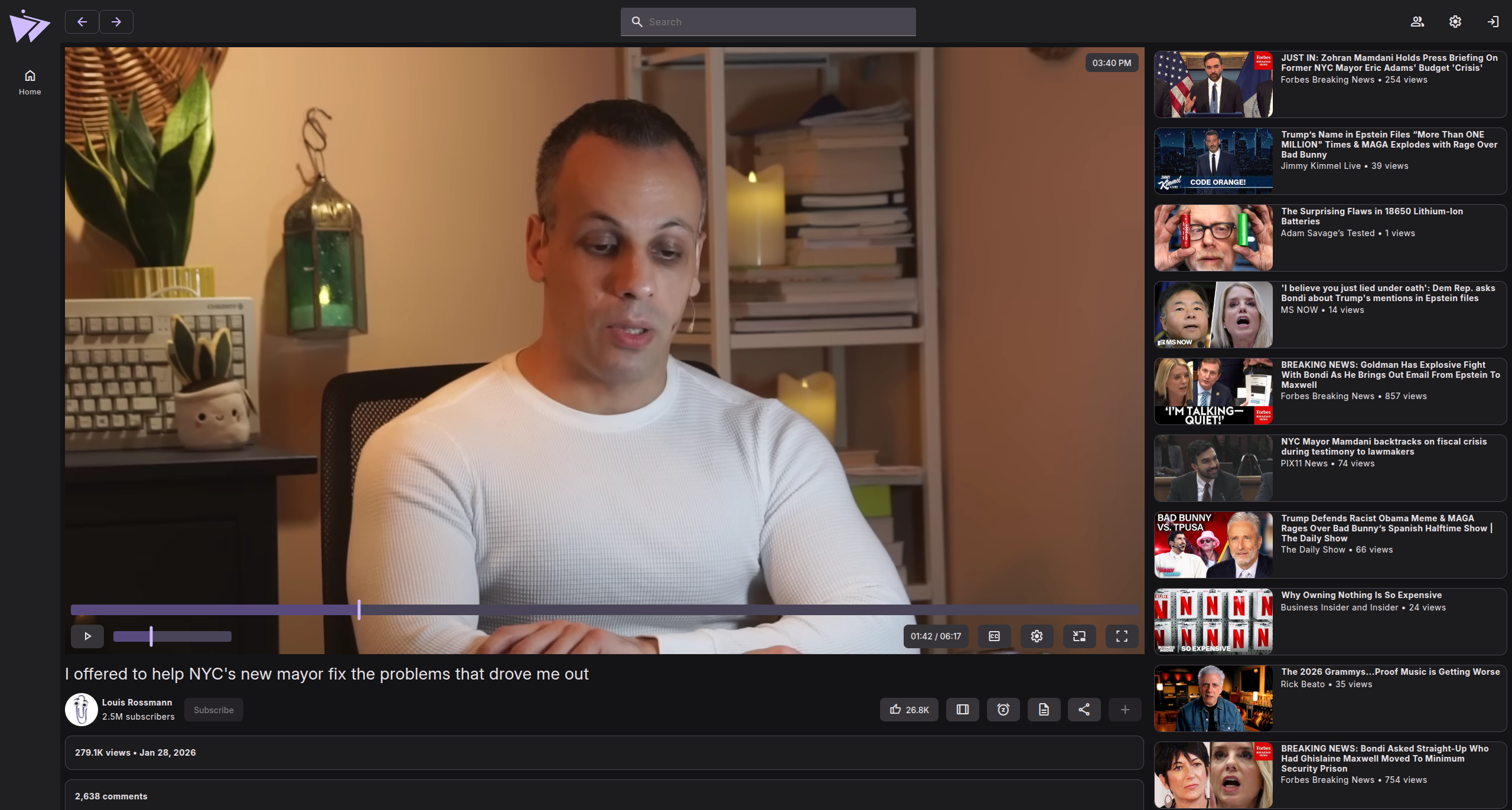
## Player
## Settings

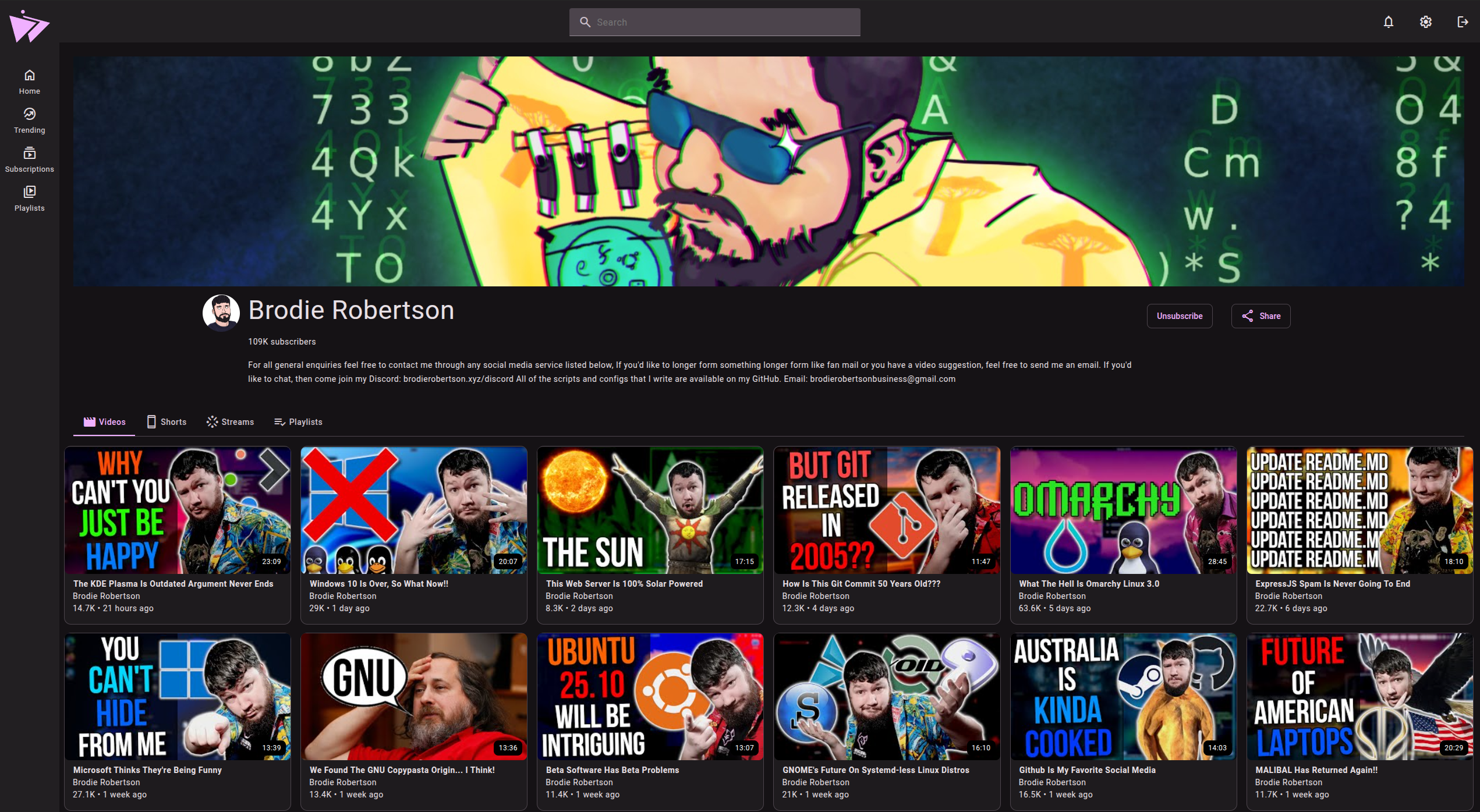
## Channel
## Chapters

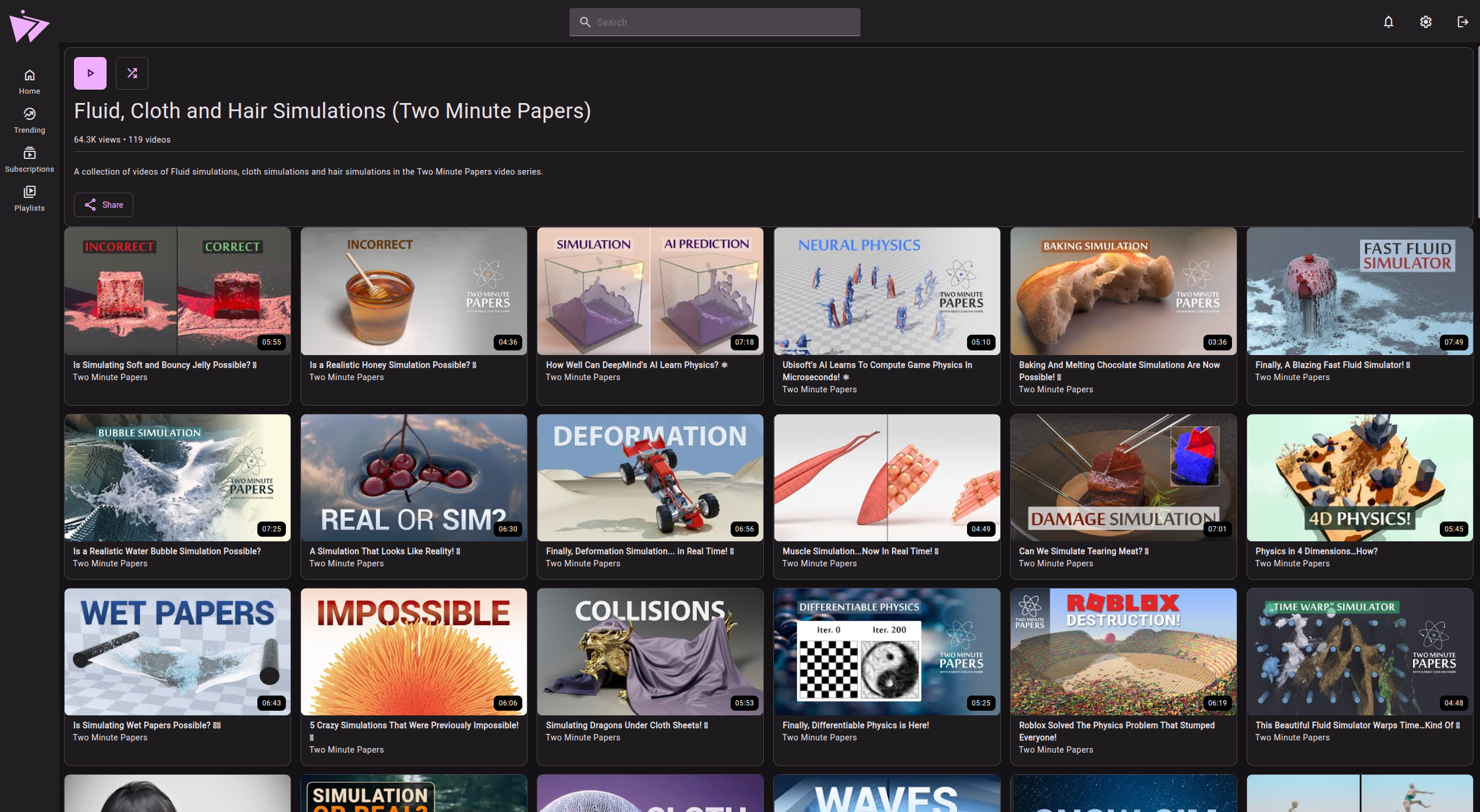
## Playlists

# Have any questions?
[Join our Matrix space](https://matrix.to/#/#ward:matrix.org)
# Special thanks to
- [SecularSteve](https://github.com/SecularSteve) for creating Materialious' logo.
- [Invidious](https://github.com/iv-org).
- [Clipious](https://github.com/lamarios/clipious) for inspiration & references to undocumented Invidious routes.
- [Beer CSS](https://github.com/beercss/beercss) (Especially the [YouTube template](https://github.com/beercss/beercss/tree/main/src/youtube) what was used as the base for Materialious.)
- [LuanRT](https://github.com/LuanRT) for YouTube.js & SABR implementation.
- [FreeTube](https://github.com/FreeTubeApp/FreeTube) for their subtitle fix.
- [spotube](https://github.com/KRTirtho/spotube) for using their README layout for local installation.
- Every dependency in [package.json](/materialious/package.json).
# Developers
- [How Materialious is built](./docs/BUILDING.md)
- [How to contribute to Materialious](./docs/DEV.md)
## Android TV Home

## Android TV Player

## Login

## Player

## Settings

## Channel

## Chapters

## Playlists


# Have any questions?
[Join our Matrix space](https://matrix.to/#/#ward:matrix.org)
# Special thanks to
- [SecularSteve](https://github.com/SecularSteve) for creating Materialious' logo.
- [Invidious](https://github.com/iv-org).
- [Clipious](https://github.com/lamarios/clipious) for inspiration & references to undocumented Invidious routes.
- [Beer CSS](https://github.com/beercss/beercss) (Especially the [YouTube template](https://github.com/beercss/beercss/tree/main/src/youtube) what was used as the base for Materialious.)
- [LuanRT](https://github.com/LuanRT) for YouTube.js & SABR implementation.
- [FreeTube](https://github.com/FreeTubeApp/FreeTube) for their subtitle fix.
- [spotube](https://github.com/KRTirtho/spotube) for using their README layout for local installation.
- Every dependency in [package.json](/materialious/package.json).
# Developers
- [How Materialious is built](./docs/BUILDING.md)
- [How to contribute to Materialious](./docs/DEV.md)